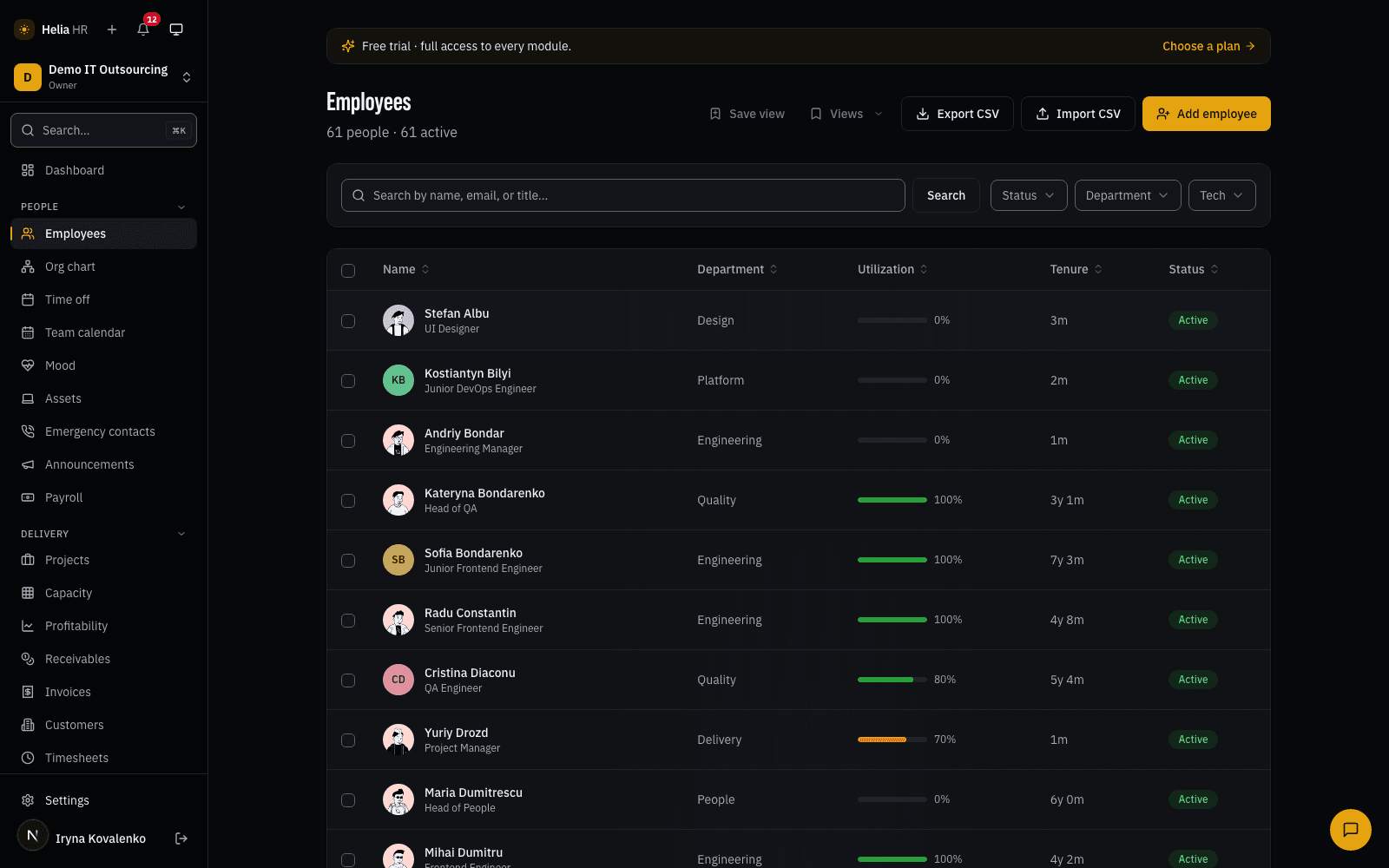
An afternoon, not a data-entry week
The import is four screens: upload the file or paste straight from the sheet, map the columns, look at the preview, import. Most columns map themselves — the matcher knows that Surname, Last name and Family name are the same thing — and any column you don't want is set to skip.
The details that decide whether this actually works on a real, messy export:
- Dates arrive in whatever the spreadsheet produced. ISO, dotted, day-first European, even raw Excel serial numbers. Ambiguous ones are read day-first, and impossible ones are flagged rather than quietly coerced into the wrong month.
- Bad rows never block good rows. Anything that fails validation is skipped, counted, and offered back as a "download invalid rows" file you fix and re-upload.
- Re-running the same file is safe. Duplicate emails are skipped case-insensitively, and an existing reporting line is never overwritten.
Reporting lines are a second pass over a manager-email column, which is why a manager can appear on row 40 and their report on row 3. Self-management and reporting loops are refused outright, and a manager cell that isn't a recognised email drops that one link with a warning — the person still imports.
One pass takes up to 500 people. Above that, split the file.
The directory and the org chart are one record
A profile carries the obvious fields — contacts, title, department, hire date, manager, tech stack — plus custom fields you define yourself in seven types, from a date to a multi-select. Any custom field can be marked sensitive, which hides it, and the fact that it exists, from anyone outside HR.
The sensitive fields Helia ships with behave the same way. Personal phone, home address, date of birth and dependents are visible to the HR chain and to the person themselves, and the badge next to them says exactly what is happening: HR-only · access logged. Not "encrypted" — role-gated, and every HR read of someone else's profile lands in an access log the owner can review. Salary is not on the profile at all; it sits behind its own permission on its own page.
The org chart is the same data drawn top-down — cards and connectors, zoom from 40% to 200%, fullscreen, and a start-from-anyone view. HR sees the whole tree; everyone else sees their own subtree and the chain above them.
Time off that already knows about public holidays
Six leave types with their own balances, and a request that shows what it will cost before it is filed. Approval routes by relationship rather than by job title: nobody approves their own leave, a manager can act only for people actually in their reporting chain, HR can act for anyone, and a delegation covers the fortnight the approver is themselves away. Long absences can require a second HR signature above a threshold you set per leave type.
Working days are counted against the real calendar — your working week, minus public holidays, minus the company days you add yourself. Public holidays are built in for Ukraine, Poland, Romania and Estonia; anywhere else, add the dates as custom holidays.
The team calendar shows who is out by month or as a people-by-day timeline, and each person can subscribe their own phone or laptop calendar to a private feed. That feed says "Out of office" and never the leave type — a calendar invite is not the place to broadcast that someone was on sick leave.
Six roles, and an honest list of what you can change
Owner, Admin, HR Manager, Manager, Employee, Viewer. Nobody can change or suspend a role above their own, and that guard has no override.
Above the roles sits a small permissions matrix the owner controls: who may see salary, who may see company health, who may see financials, who may read the audit log, who may see recruiting analytics, who may send an invoice. Six switches — not a thousand — because a matrix nobody can hold in their head is a matrix nobody audits. The same screen also lists eight boundaries that are deliberately not configurable, such as changing roles, toggling packs and reading private 1-on-1 notes, so what is fixed is visible rather than merely absent.
Underneath, every change to people data writes an audit row: who, what, before, after, from which address. The log is searchable by table, action, actor and date, and exports to CSV behind its own permission.
The parts you stop noticing after week two
Search is Cmd-K from anywhere, plus single-key jumps for the pages you open twenty times a day. Notifications arrive in-app and by email across fifteen categories each person tunes or snoozes for themselves, with an optional daily digest of approvals waiting and who is out today.
At month end, the payroll export gives your accountant one CSV: gross by person, approved leave days, approved timesheet hours, reimbursements owed, joiners and leavers, with a readiness check for the people whose data isn't ready. It is an export, not a payroll engine — no tax, no net pay, no promises about your jurisdiction.
Base is what every other pack reads. Time off reduces Delivery's capacity, a hire from Recruitment lands as an employee here, onboarding checklists count from the hire date on this record. That is why it is always on and metered per employee, per month, and why the other packs can be per-employee, per-billable-user or flat without anything drifting apart. Pricing for every pack, with a calculator, is on the pricing page.